

You can now disable jobs in your code by setting the enabled option to false:
client.defineJob({ id: "example-job", name: "Example Job", version: "0.1.0", trigger: eventTrigger({ name: "example.event" }), enabled: false, run: async (payload, io, ctx) => { // your job code here },});
Which will show the job as disabled in the dashboard:

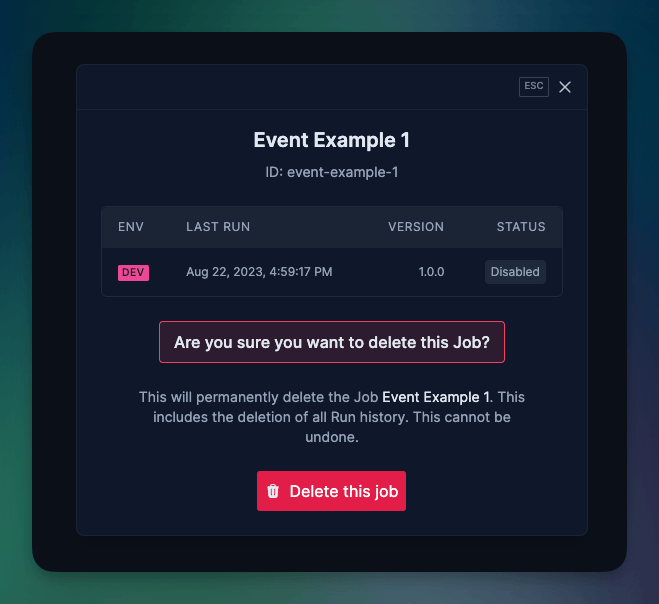
Once you've disabled your job, you can delete it from the dashboard:
For more detailed information, checkout our documentation on managing Jobs.