
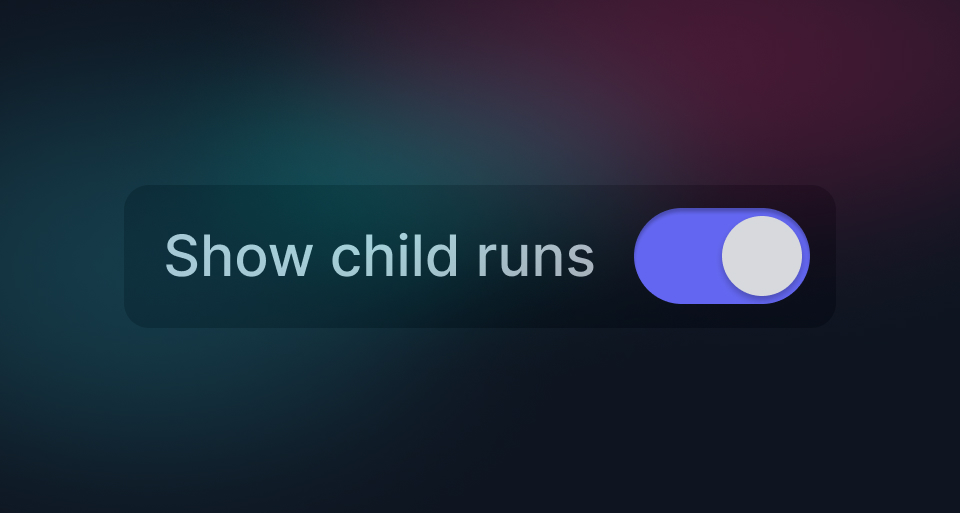
It's important that you can quickly find the runs you want. We just added some new filters, it's best to see them in action:
The new run filters:
- Show child runs: By default we now only show the "Root" runs. Toggle this switch to show subtasks that were triggered from inside your runs.
- Custom date range: e.g. yesterday 4:31:29–4:34:36 PM.
- Run ID: Get a specific run from it's ID, they start with
run_. - Batch ID: Get all runs for a specific batch, they start with
batch_. - Schedule ID: Get all runs for a specific schedule, they start with
sched_.
Plus our existing filters:
- Status: The current status of the run.
- Environment: The environment the run was executed in.
- Tasks: The task for the run.
- Tags: The tags you have added to the run.
- Created period: e.g. last 30 mins.
- Bulk action: Get back to runs you bulk cancelled or replayed.
This should make it faster for you to narrow down to the runs you want.