

Overview
This example demonstrates how to use Trigger.dev to send emails using React Email.Task code
trigger/sendReactEmail.tsx
The email
This example email should look like this: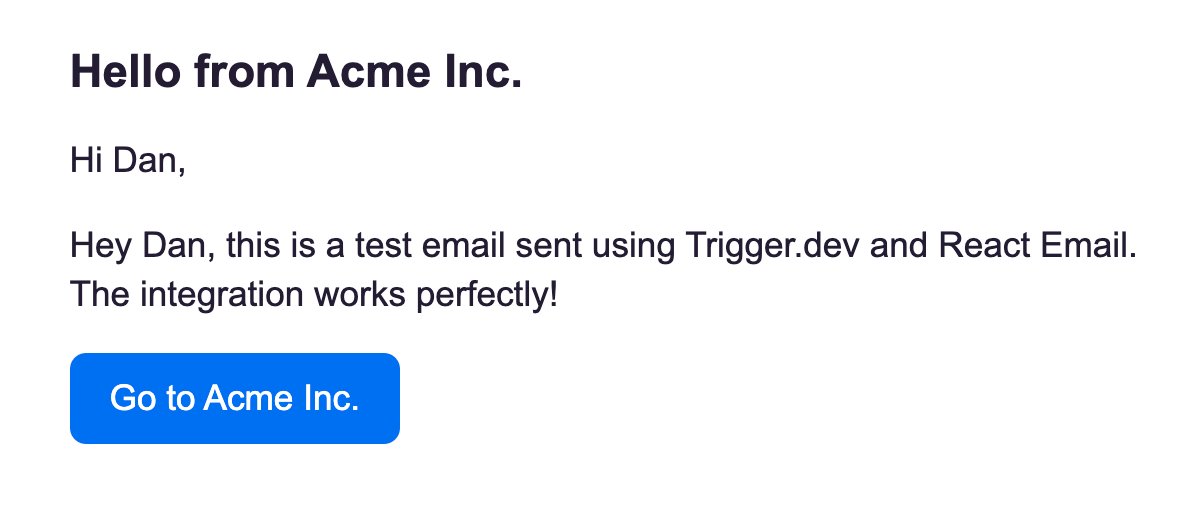
Testing your task
To test this task in the dashboard, you can use the following payload:Deploying your task
Deploy the task to production using the Trigger.dev CLIdeploy command.
Using Cursor / AI to build your emails
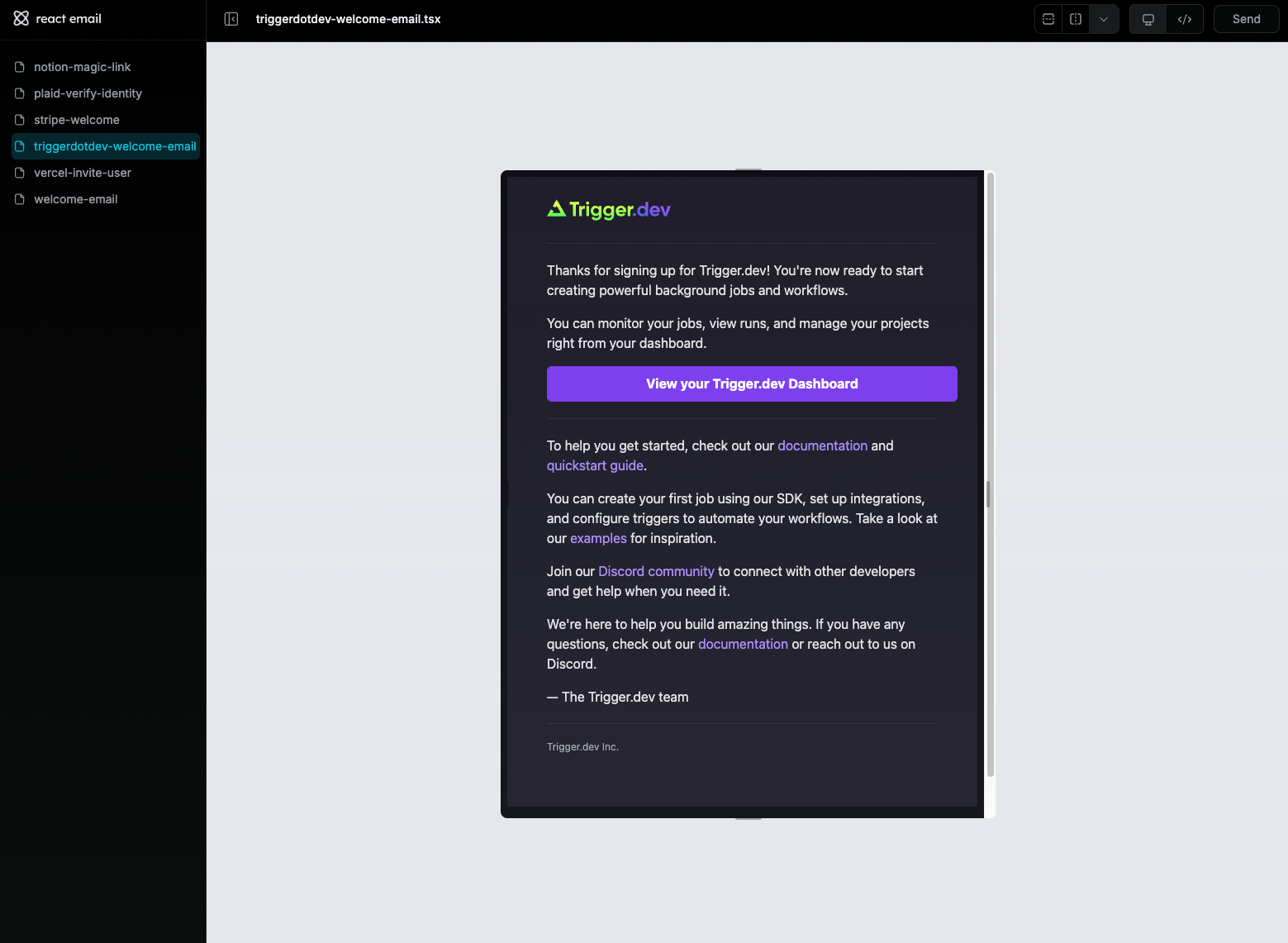
In this video you can see how we use Cursor to build a welcome email. We recommend using our Cursor rules to help you build your tasks and emails.Video: creating a new email template using Cursor
The generated email template
The generated code
emails/trigger-welcome-email.tsx
trigger/triggerWelcomeEmail.tsx
Troubleshooting
If you see this error when usingreact-email packages:
Learn more
React Email docs
Check out the React Email docs and learn how to set up and use React Email, including how to preview your emails locally.Components
Pre-built components you can copy and paste into your emails.
Templates
Extensive pre-built templates ready to use.