
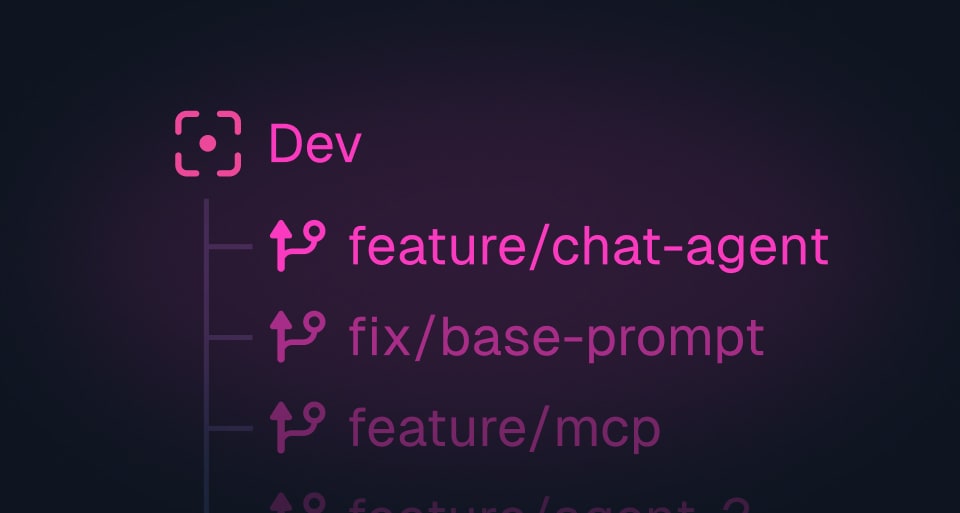
Dev branches let you run more than one trigger dev session at the same time without their runs stepping on each other. Point a session at a branch with trigger dev --branch <name> and it gets an isolated slice of your dev environment: its own runs, its own dashboard, its own state.
Why it helps
Two situations make this matter:
- Git worktrees. If you keep several worktrees checked out for different features, each one can run its own dev session on its own branch, so you always know which worktree a run came from.
- Coding agents. Running multiple agents in parallel, each in its own workspace, meant their dev runs all landed in the same place. Give each agent its own branch and the runs stay separated.
How it works
Start a dev session on a named branch:
npx trigger.dev@latest dev --branch my-feature
Every run, log, and trace from that session shows up under my-feature in the dashboard, isolated from your default dev session and from any other branch. Use the branch selector in the dashboard to move between them.
There's nothing to set up ahead of time. The branch is created on first use, and you can spin up as many as you need.
Try it
Upgrade to the latest v4 CLI and add --branch to your trigger dev command. Full details are in the dev branches docs.