
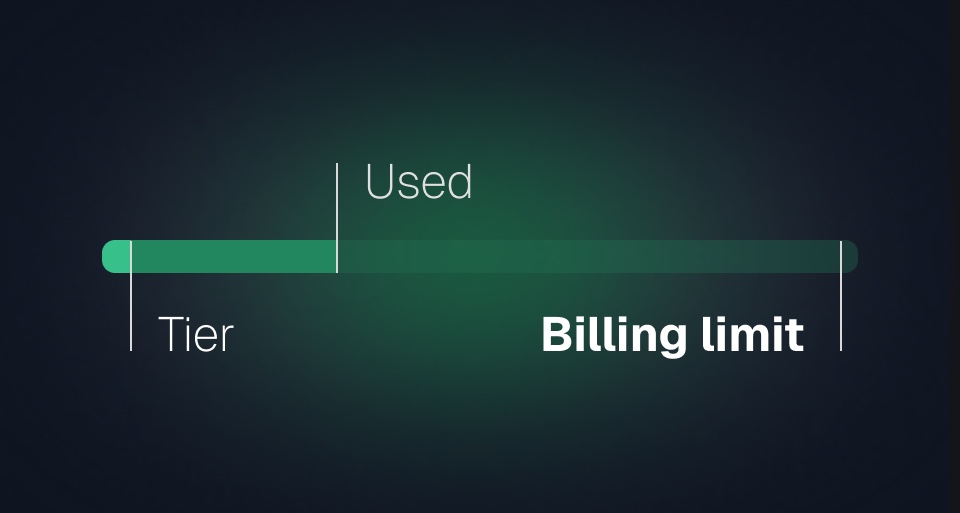
Keeping an eye on spending shouldn't require keeping an eye on your dashboard.
Billing limits give you control over how much your organization can spend, while configurable alerts let you know long before you reach that point.
Choose how you want to limit spend
Open the new Billing limits page in your organization settings and choose one of three options:
- Use your plan limit as the maximum spend.
- Set a custom billing limit.
- Use no billing limit (chosen by default).
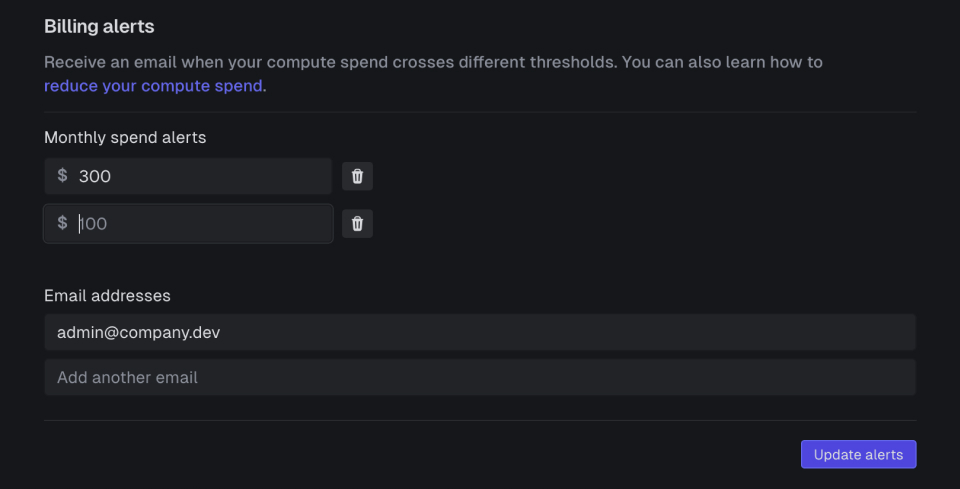
You can also configure email alerts based on either fixed dollar amounts or percentages of your configured billing limit, so you're notified well before the limit is reached.
What happens when you reach the limit?
As soon as your organization reaches its billing limit, we pause execution across all environments.
New runs continue to be triggered and queued, but they won't start executing. This gives you 24 hours to review what happened and decide what to do next.
We'll send you an email immediately with a link directly to your Billing limits page.
If the limit isn't increased within 24 hours, queued runs are discarded for the remainder of the billing period, and new runs are rejected until billing capacity becomes available again.
Getting back to work
Increasing or removing the billing limit resumes execution automatically. If you accumulated a large queue while execution was paused, you can choose whether to:
- resume the queued runs, or
- discard the backlog and continue processing only new runs.
Queues that were manually paused before the billing limit was reached remain paused. We only resume queues that were paused because of the billing limit.
Optional: cancel running tasks
By default, we let in-progress runs finish normally.
If you'd rather stop execution immediately when the limit is reached, you can enable Cancel in-progress runs in your Billing limits settings.
Billing limits and spend alerts are available now for all Trigger.dev Cloud organizations.