

Your dashboard can now adapt to how you like to work, from its overall look to the smaller details that make things easier to see and navigate.
Pick your theme
Choose Light or Dark, or go high-contrast with Black or White.
System follows your OS as it switches between light and dark. You can choose what that means on each side: Light or White when your system is light, and Dark or Black when it's dark.
Switch themes from Appearance in the account menu or from the refreshed Profile page.
Make things easier to see
Your theme is only the starting point. New accessibility controls let you adjust the dashboard independently of the look you choose.
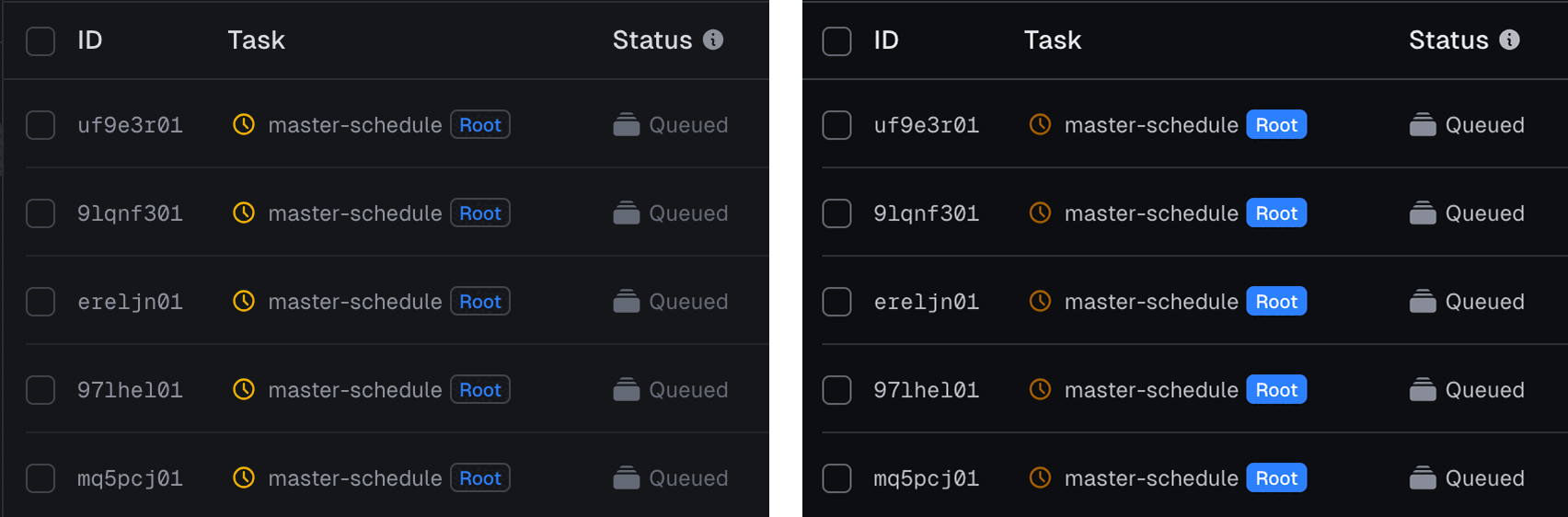
Stronger colors replaces translucent fills with solid ones, makes icon accents monochrome, and increases contrast in charts. Underline links makes links easier to distinguish without relying on color or hover.
The contrast slider adjusts contrast across the whole dashboard, so you can tune any theme to what works best for you.
Try it
Open Appearance from the account menu, pick a theme, and tune it to your liking. It's live in your dashboard now.