

You can now search your logs across all runs in an environment.
To make searching across runs possible, we rebuilt how logs are stored.
Search logs on the Logs page
You'll find this on the Logs page in your dashboard sidebar, which is now available to every organization.
You can also narrow your search down by log level, task, run ID and time range, back as far as your plan's log retention.
To get more out of search, write structured logs with logger.
Ask Trigger can search your logs
Ask Trigger, the AI assistant in the dashboard, can now search your logs too.
You can ask it something like "anything interesting in my logs from the last hour?" It searches by message, log level, task, run or time range, and links you to the runs it finds.
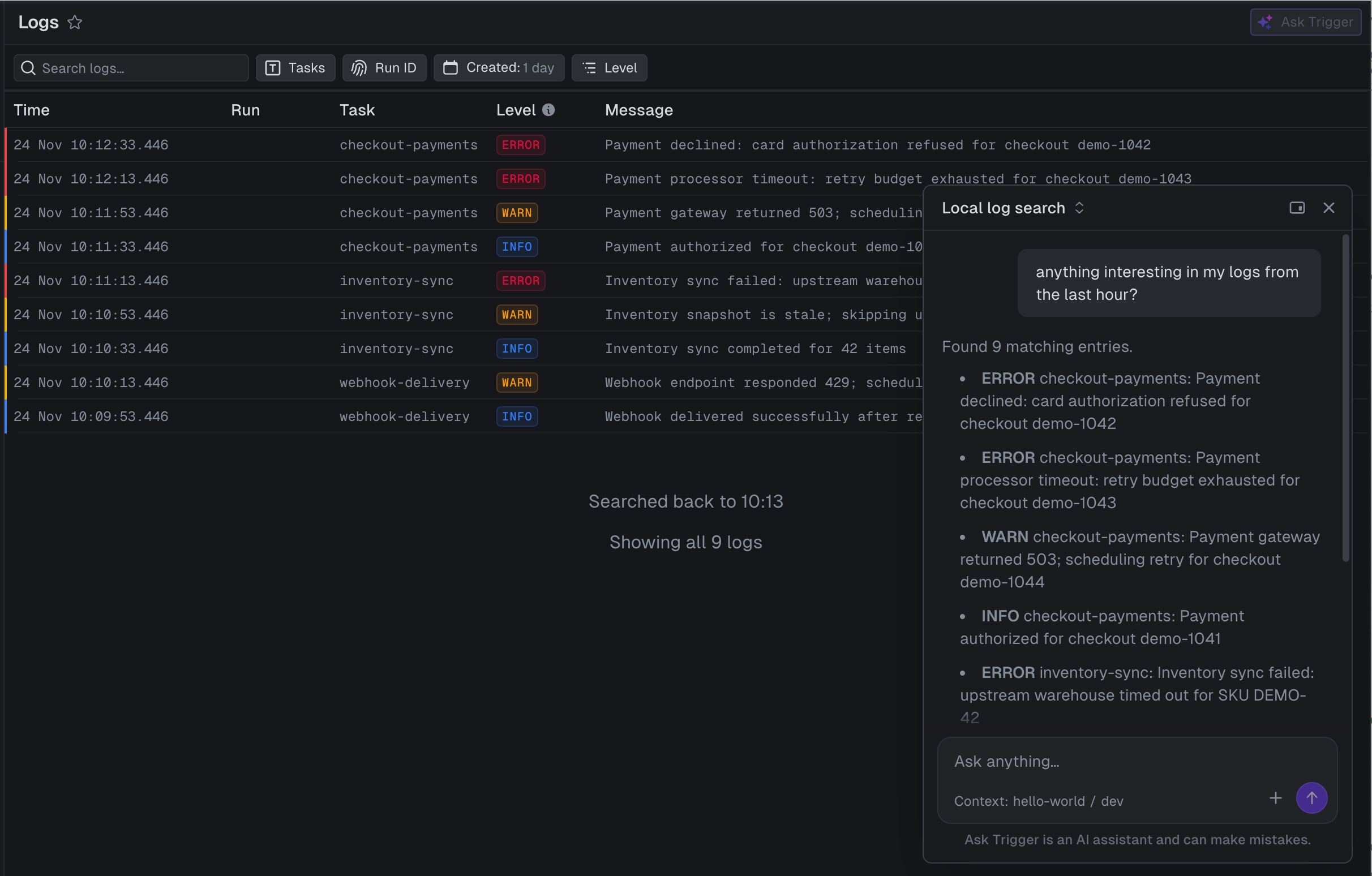
⌘J opens Ask Trigger from anywhere in the dashboard.
Coming soon: log search in your coding agent
Soon you'll also be able to search your logs from Claude Code, Cursor and other coding agents, through our MCP server.