
Open the Runs page and it stays current on its own. Each run updates live in the list, so you can follow progress at a glance.
A banner when new runs arrive
When new runs come in, a banner appears at the top with the count, and you click it to refresh.

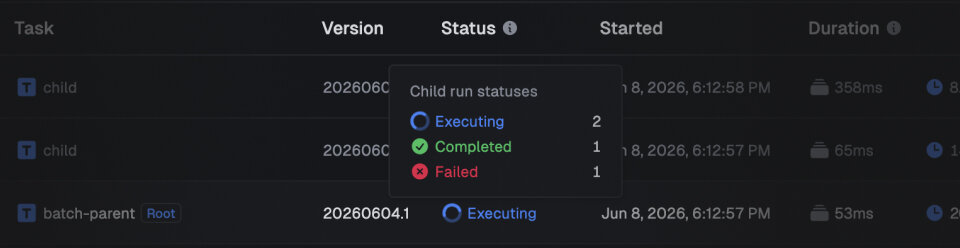
Child-run breakdowns in parent tooltips
Hover the parent run to check on a fan-out without expanding it. The counts update live.
Try it
It's live now for every project, with nothing to turn on. Open Runs in the sidebar to see it, and read more about Runs in the docs.