
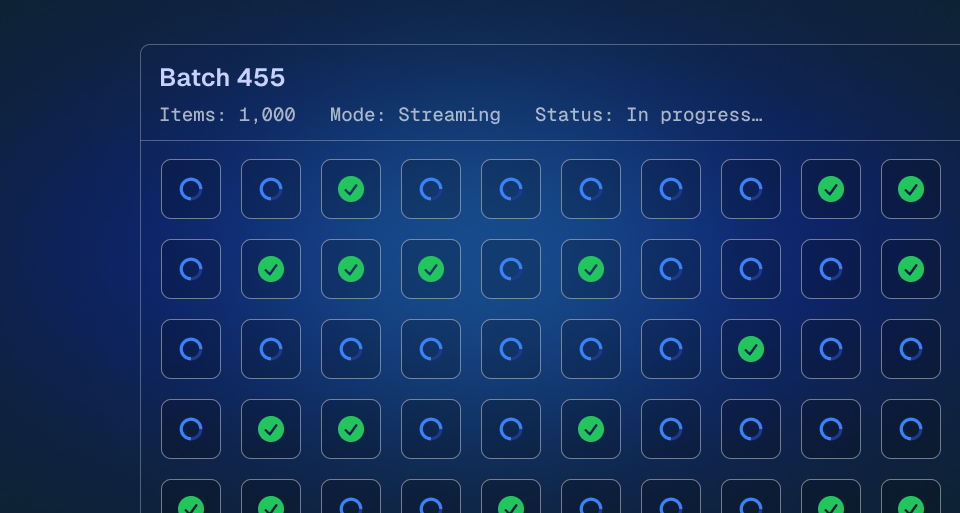
We've significantly improved our batch trigger system with support for larger payloads, streaming ingestion, and increased batch sizes.
NOTE
Upgrade to SDK 4.3.1+ to use batch trigger v2.
Updated limits
With SDK 4.3.1+, batch triggers now support:
| Limit | New | Previous |
|---|---|---|
| Maximum batch size | 1,000 items | 500 items |
| Batch payload per item | 3MB each | 1MB total combined |
Payloads that exceed 512KB are automatically offloaded to object storage—no changes needed in your code.
Batch trigger rate limits
Batch triggering now uses a token bucket algorithm to rate limit the number of runs you can trigger per environment:
| Pricing tier | Bucket size | Refill rate |
|---|---|---|
| Free | 1,200 runs | 100 runs every 10 sec |
| Hobby | 5,000 runs | 500 runs every 5 sec |
| Pro | 5,000 runs | 500 runs every 5 sec |
You can burst up to your bucket size, then tokens refill at the specified rate. For example, a Free user can trigger 1,200 runs immediately, then must wait for tokens to refill.
Batch processing concurrency
The number of batches that can be processed concurrently per environment:
| Pricing tier | Limit |
|---|---|
| Free | 1 concurrent batch |
| Hobby | 10 concurrent batches |
| Pro | 10 concurrent batches |
What's new
Larger batch sizes
You can now trigger batches with up to 1,000 items in a single call (doubled from 500). The system handles large batches efficiently through streaming ingestion, processing items as they arrive rather than waiting for the entire batch.
Fair processing
We've implemented a new fair queueing system that ensures multi-tenant fairness with per-environment concurrency limits. This means:
- Your batch triggers won't be starved by other workloads
- Processing is distributed fairly across all environments in your organization
- Rate limits use a token bucket algorithm for predictable burst capacity
Streaming ingestion
Large batch payloads are now streamed and processed incrementally, reducing memory pressure and improving reliability for high-volume batch operations.
Usage
Batch triggering works the same way as before:
import { myTask } from "./trigger/myTask";// Trigger a batch of tasks - now supports up to 1,000 itemsconst runs = await myTask.batchTrigger([ { payload: { userId: "user-1" } }, { payload: { userId: "user-2" } }, { payload: { userId: "user-3" } }, // ...]);
You can also use batchTriggerAndWait to wait for all runs to complete:
const results = await myTask.batchTriggerAndWait([ { payload: { userId: "user-1" } }, { payload: { userId: "user-2" } },]);for (const result of results) { if (result.ok) { console.log("Result:", result.output); }}
Read the full docs for more details.