

The new Errors page collapses failed runs into groups. A bad deploy that fails 800 times sends 1 alert, not 800. Ship the fix, click bulk replay, and the count flattens as the runs succeed.
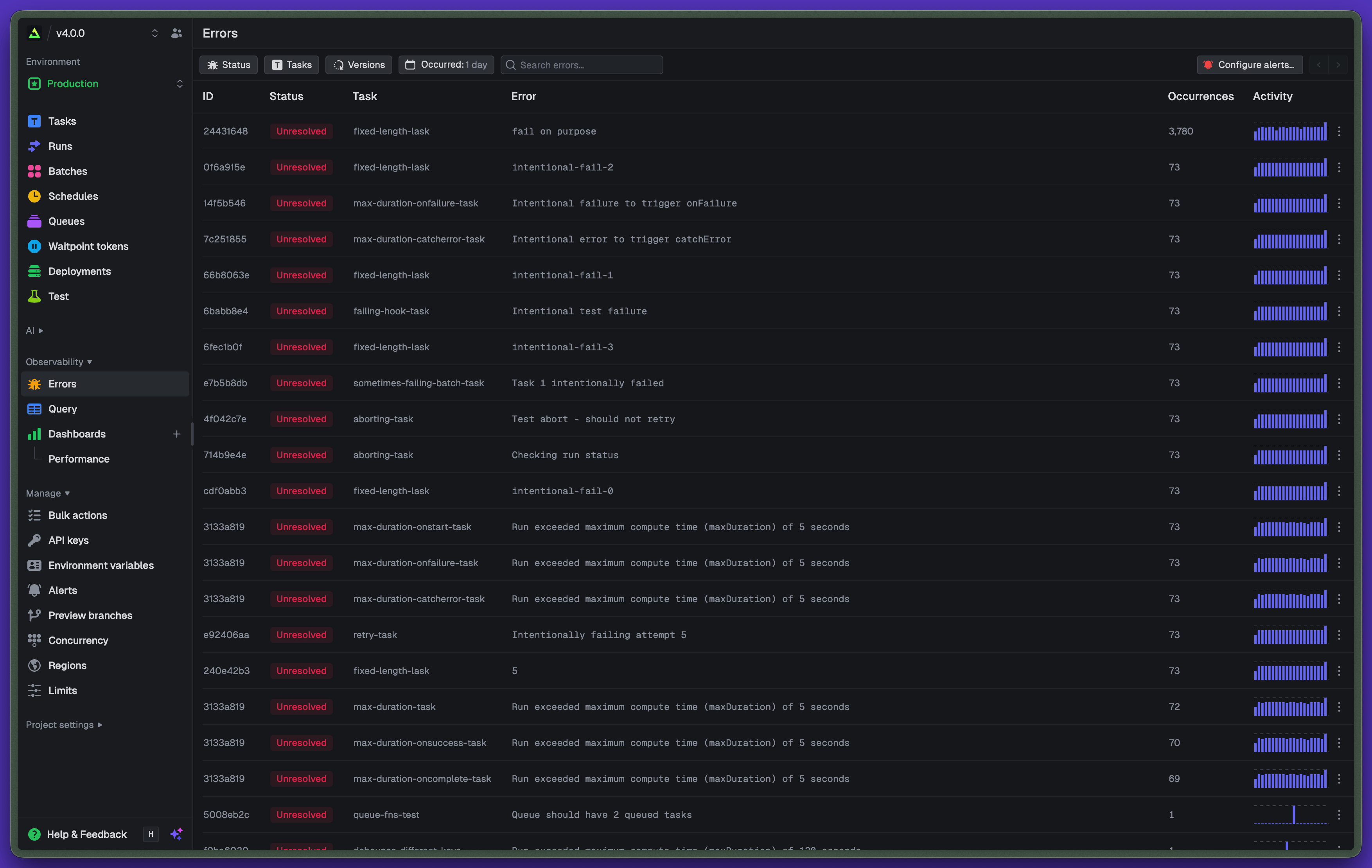
Fingerprinted error groups
Every failed run gets fingerprinted by its error class and message. Dynamic parts (IDs, UUIDs, timestamps) are stripped, so 200 instances of User abc-123 not found and User xyz-789 not found collapse into one row.
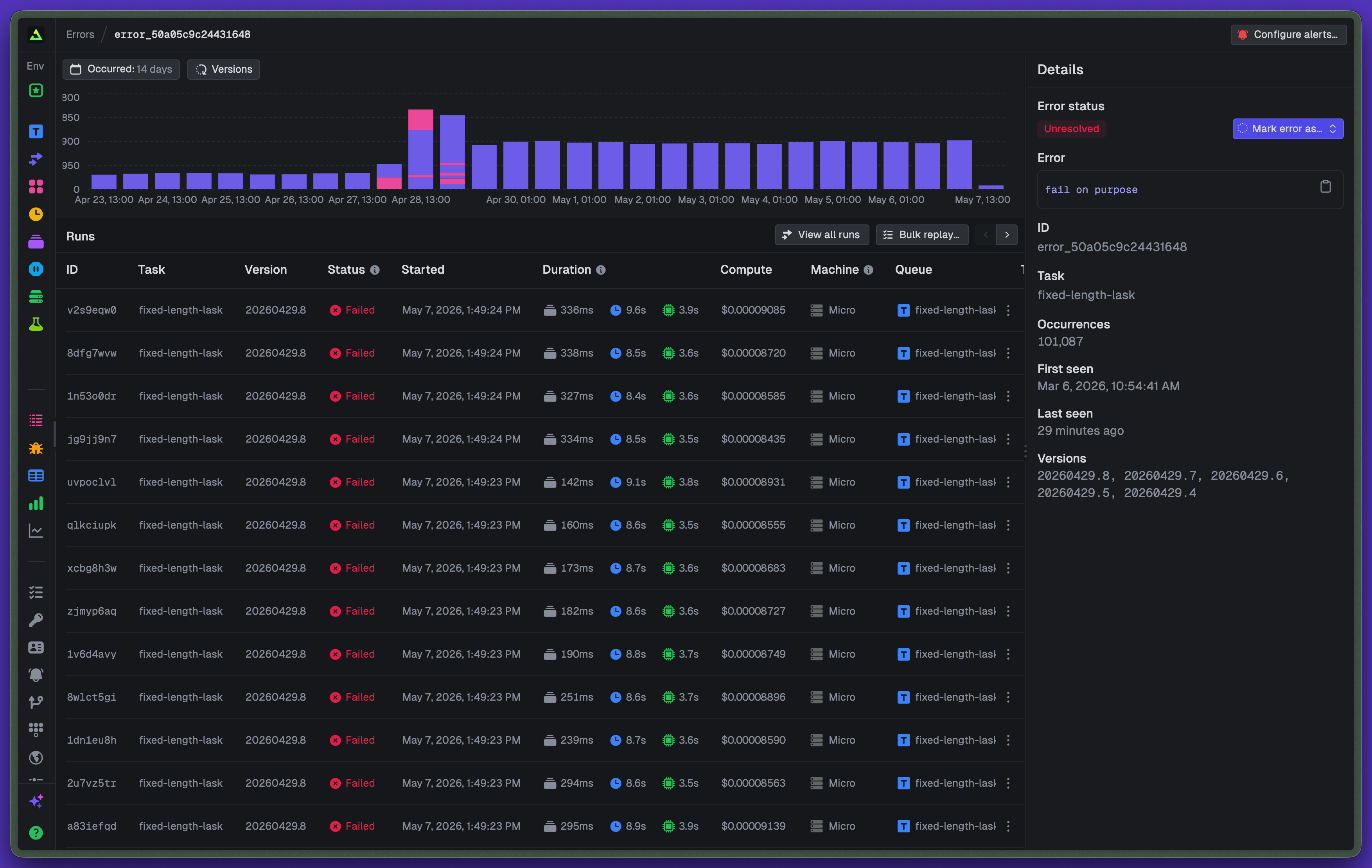
The group page shows the timeline, the runs that hit it, the task versions contributing, and the first / last seen timestamps. Click any run to jump into the run detail.
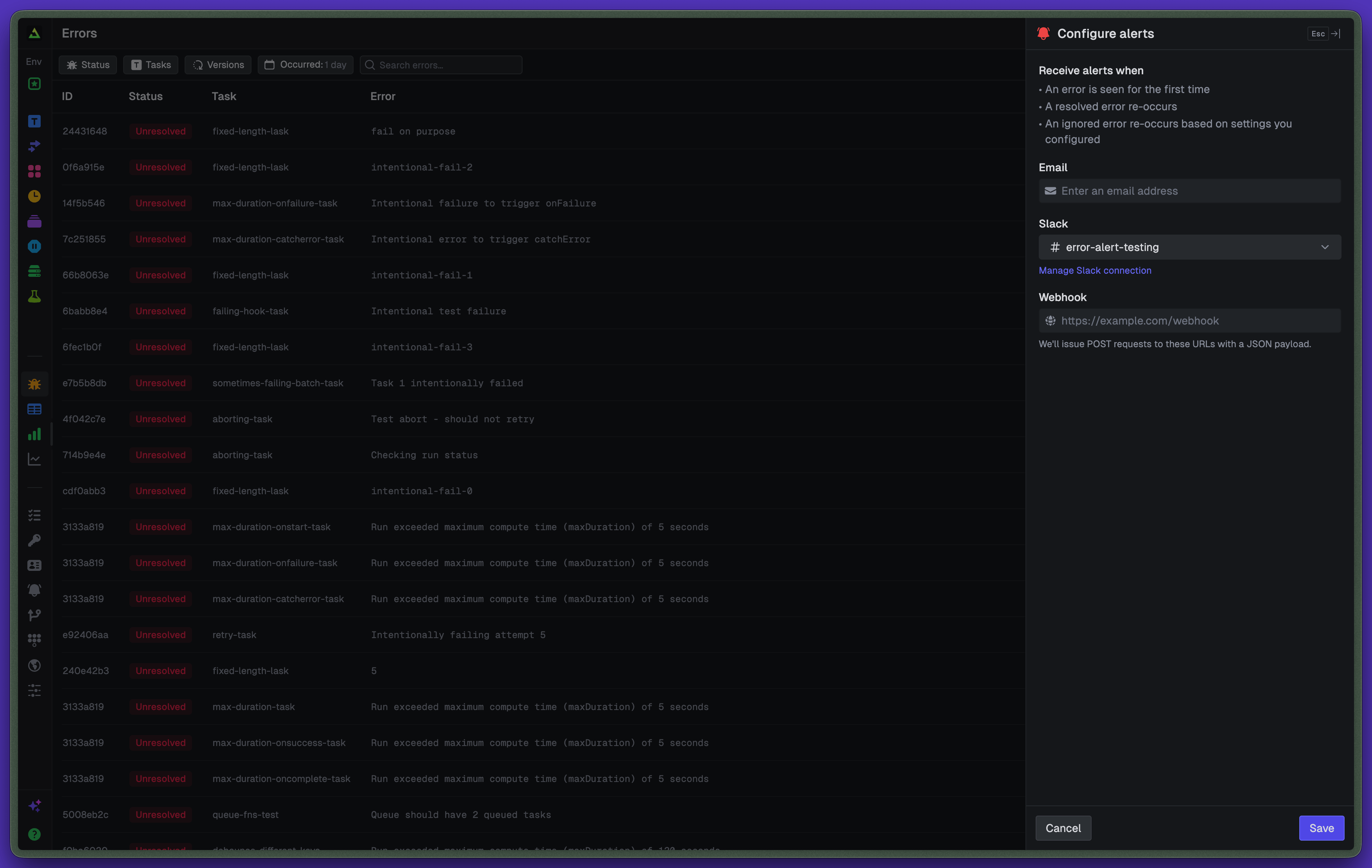
One alert per group
A new group, or one firing again after being resolved, sends a Slack message, email, or webhook. The payload has the message, the stack, and a link straight to the dashboard.
Alerts are configured per project under Alerts, scoped to specific tasks and environments.
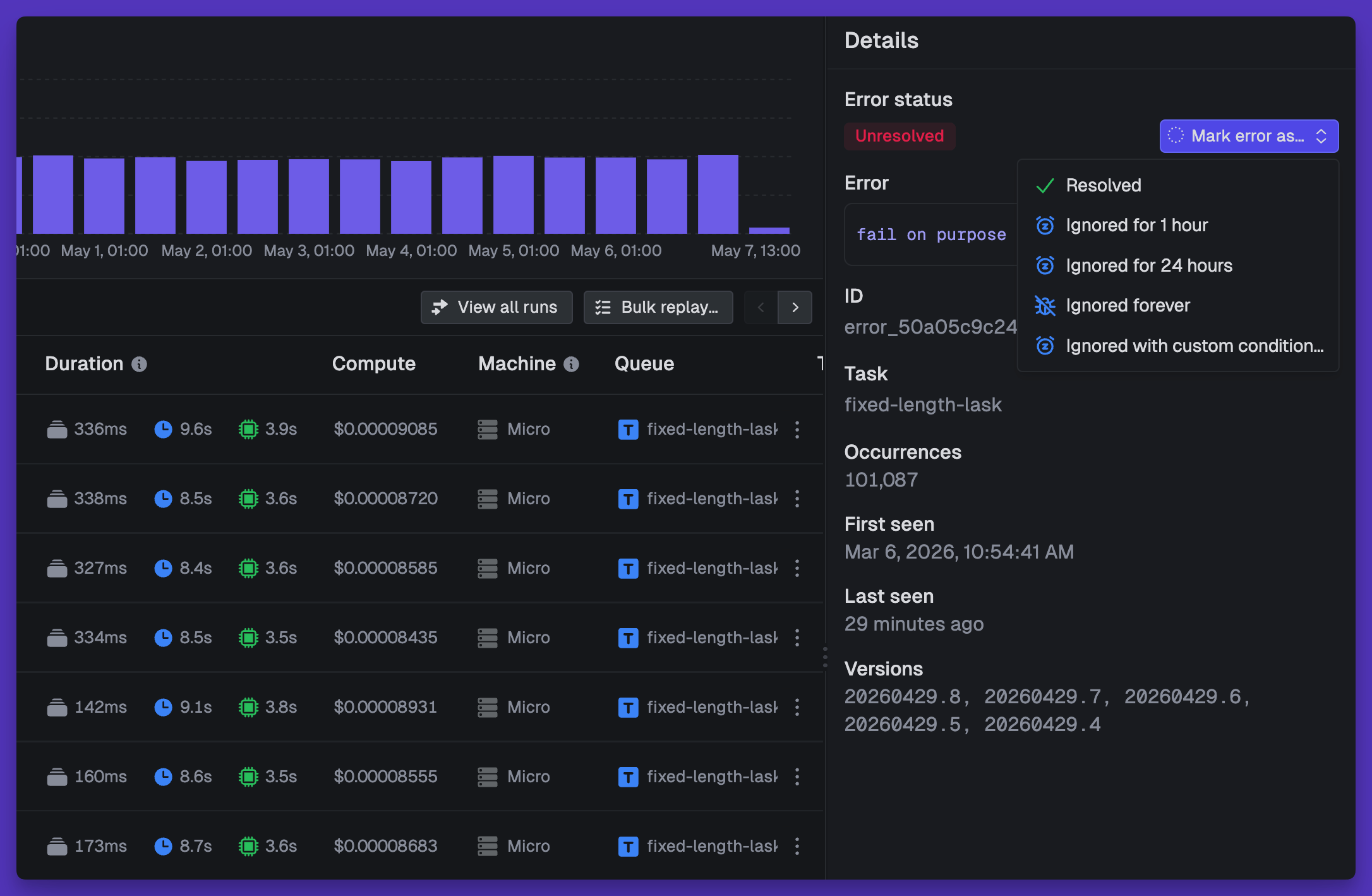
Status: unresolved, resolved, ignored
Three states. Mark one resolved when you've shipped the fix. Ignore it for hours or days when you're not ready (revert anytime).
If a resolved group fires again, it flips back to unresolved and a fresh alert goes out.
Bulk actions let you triage many at once. Select 50 stale groups, mark them resolved, move on.
Bulk replay
Replay every run in a group from the group page. The replays stay attached to the original group, so the count drops as they succeed.
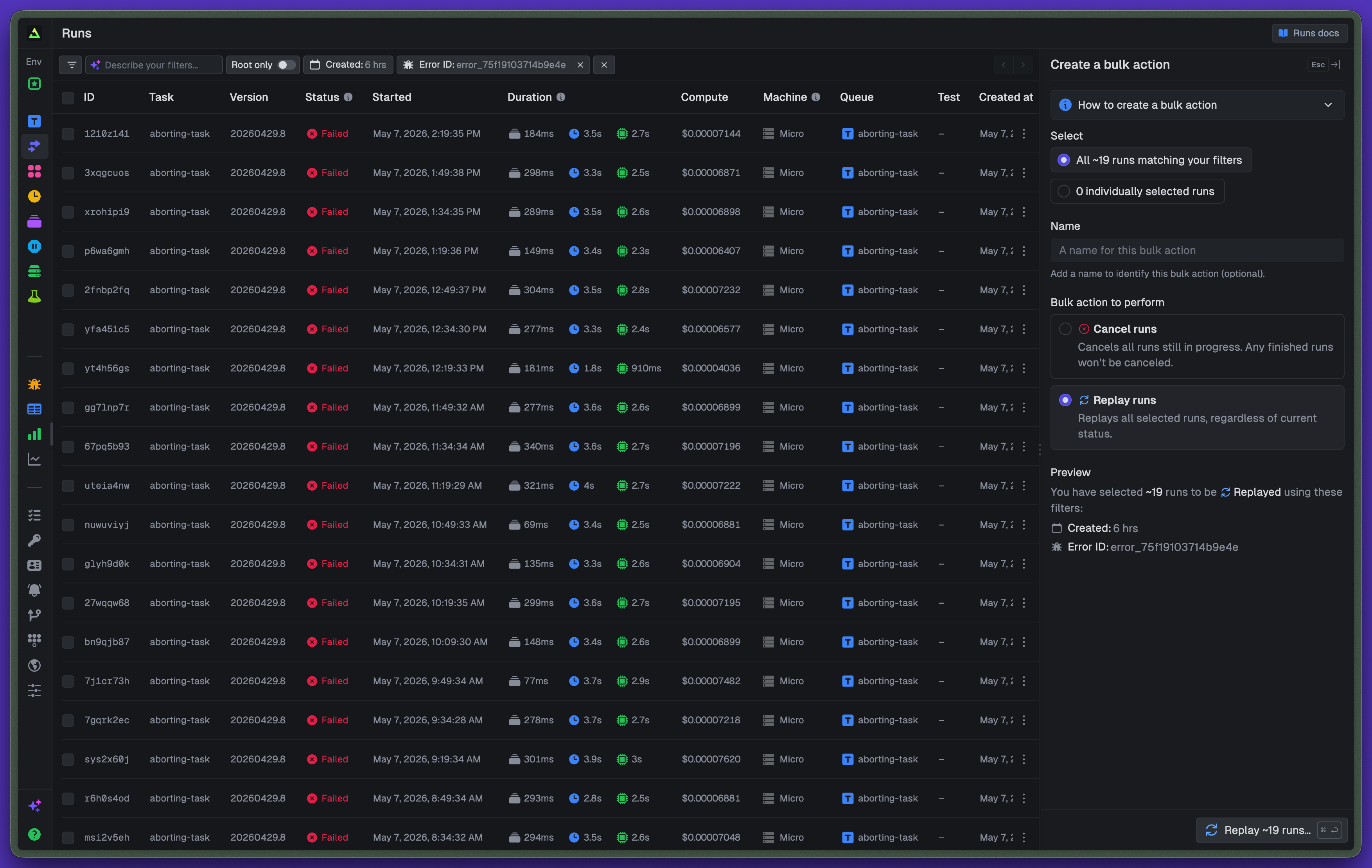
Useful for the obvious case (a deploy nuked 200 jobs, you shipped the fix, you want them all to re-run) and for the less obvious one: verifying the fix actually held. 200 runs failed, 200 replays succeed, the group quiets down, you know.
Filter by task version
The list and individual error page filter by task version. The chart on the individual page stacks errors by version, so you can pinpoint which deploy introduced a regression and which one fixed it.
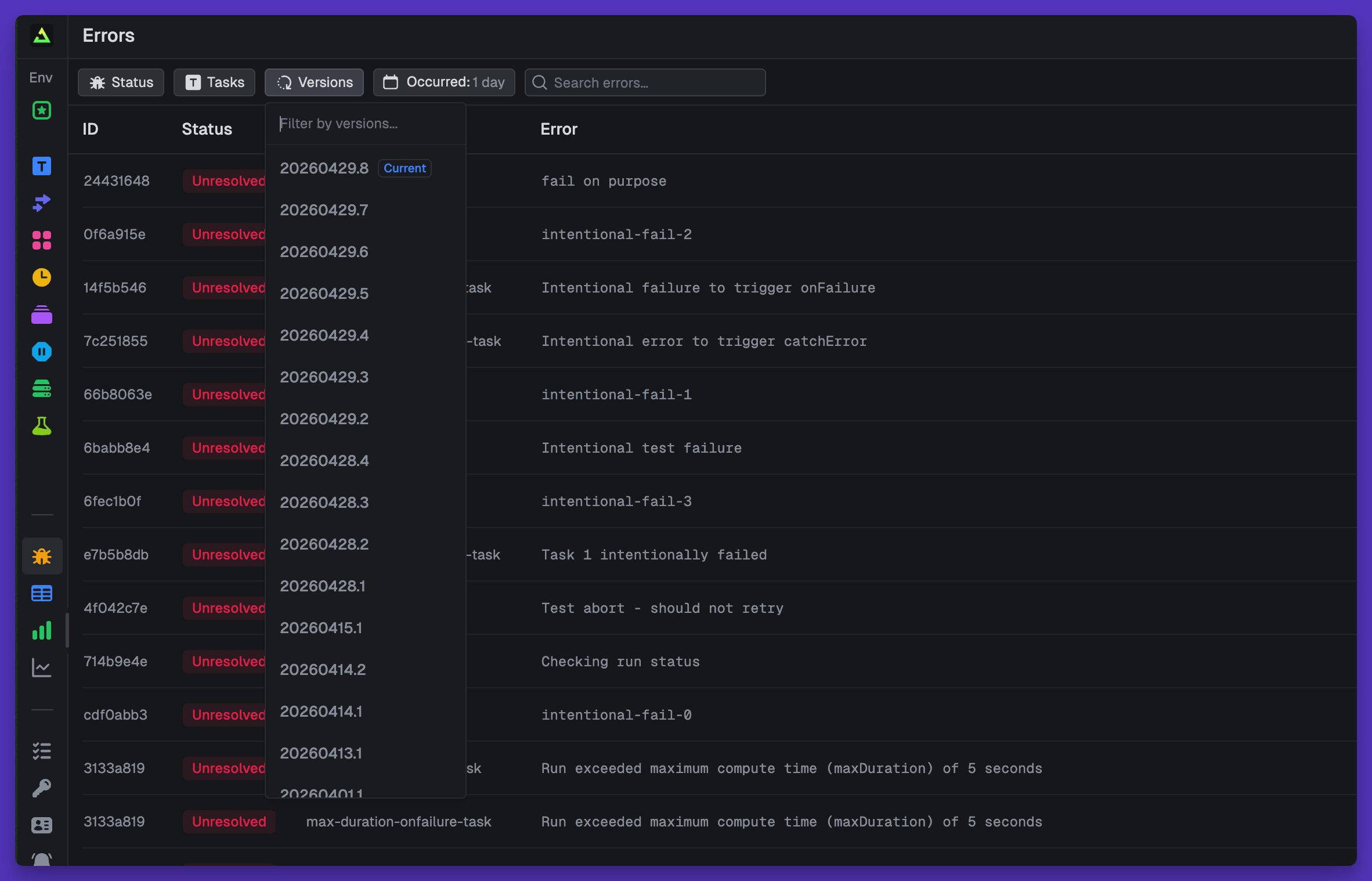
Every postmortem starts with "which deploy introduced this?" The version chart answers it before you've finished asking.
Get started
Open Errors in the sidebar of any project. Configure alerts under Alerts.